
Choose a system that keeps each location’s repair orders, schedule and accounting connection separate while giving authorized staff a way to find work across the group. Test the handoff with an advisor, a technician and the owner before opening day.
Find the right repair
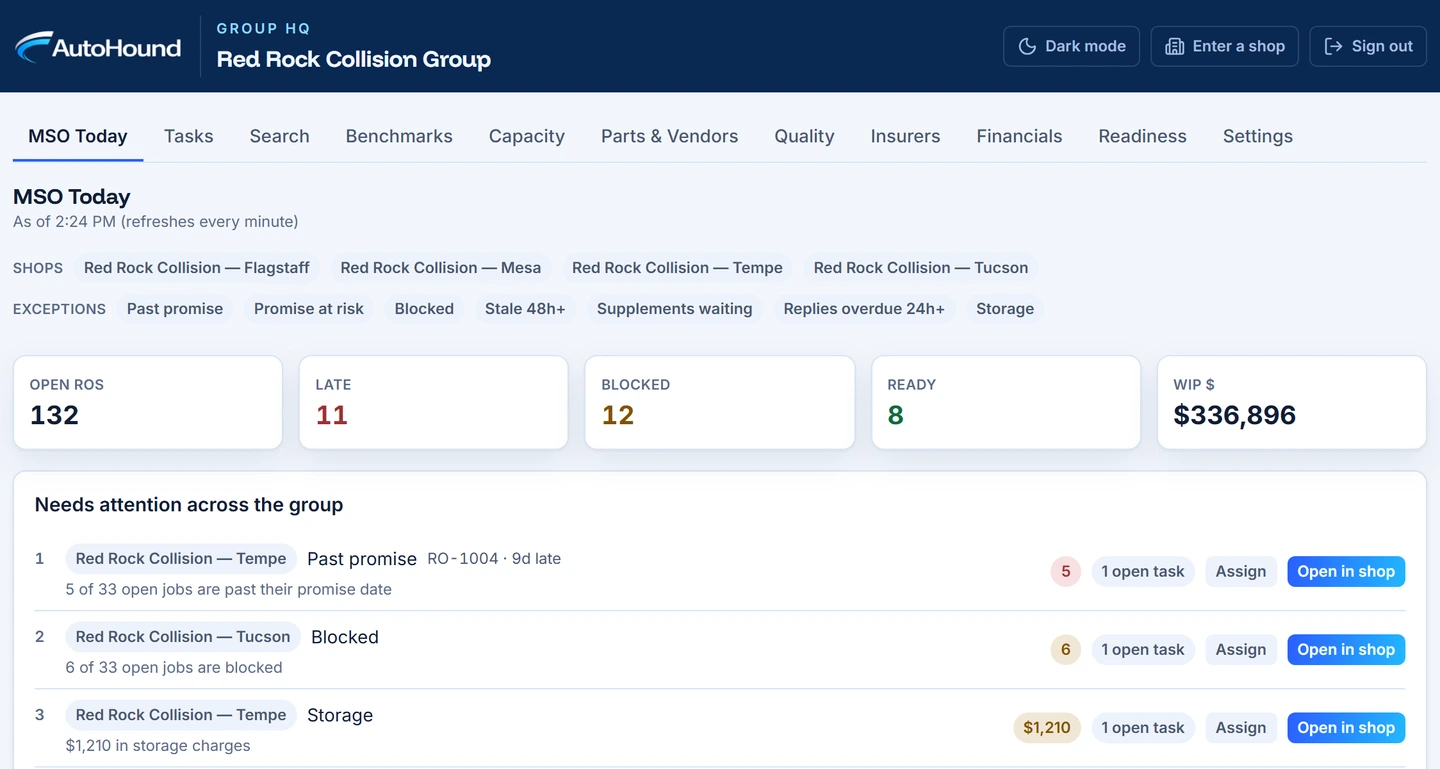
Give a reviewer two jobs with a similar customer name, one at each shop. From headquarters, search for the customer and open the correct vehicle. The location should be obvious before anyone reads out a balance, changes a promise date or sends a message. In AutoHound MSO, opening a search result takes authorized staff into the shop that owns it.
Book the receiving shop
Suppose the original location has 32 hours booked against 40 available on Tuesday. The second has 18 booked against 40. For an incoming 14-hour repair, the first has eight hours free and the second has 22. Open the second shop’s schedule and check the trade, equipment and parts needed before offering Tuesday. The group capacity grid helps you choose where to book. The booking itself belongs to that shop.
Test a floating employee
Have an advisor who covers both locations find a job at each. Then sign in as a technician who works at the second shop and check the assignments and information they see. In AutoHound, authorized group owners grant access to specific shops. A floating technician keeps the technician role at each one. Group oversight is a separate permission.
Walk through opening week
- At the second location, open one repair and record the promised date.
- At headquarters, find that repair and assign follow-up on a blocker.
- Return to the local shop to confirm the responsible person can act on it.
- Compare booked hours, delivered work and outstanding balances by shop. Trace one figure to its source.
- Check how a newly opened location appears in benchmarks while it has only a handful of deliveries.
AutoHound marks ramping locations separately. A new shop with three deliveries can show its results without an owner reading its on-time percentage as a mature trend.